Page 1 of 1
How to put your location
Posted: Sun Feb 08, 2026 4:06 pm
by Bill_qaz
It is useful to know your location when posting.
Selling, looking for local services or help.
Easy to do 3 simple steps when you're logged in

1/ click on your name and select profile in drop down
2/ click edit profile next to your user name
3/ enter your location ( observe tips) and then submit
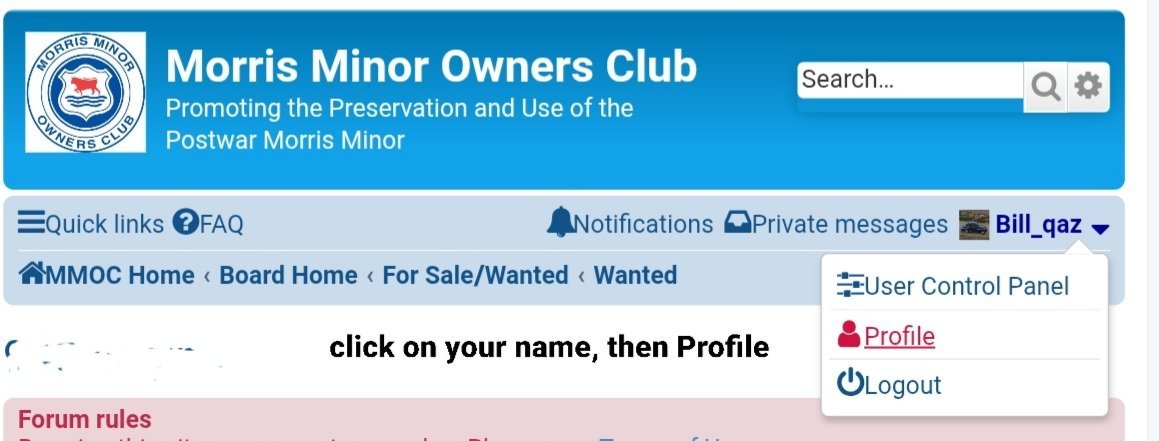
- Screenshot_20260208-151727_Samsung Internet.jpg (74.9 KiB) Viewed 71540 times
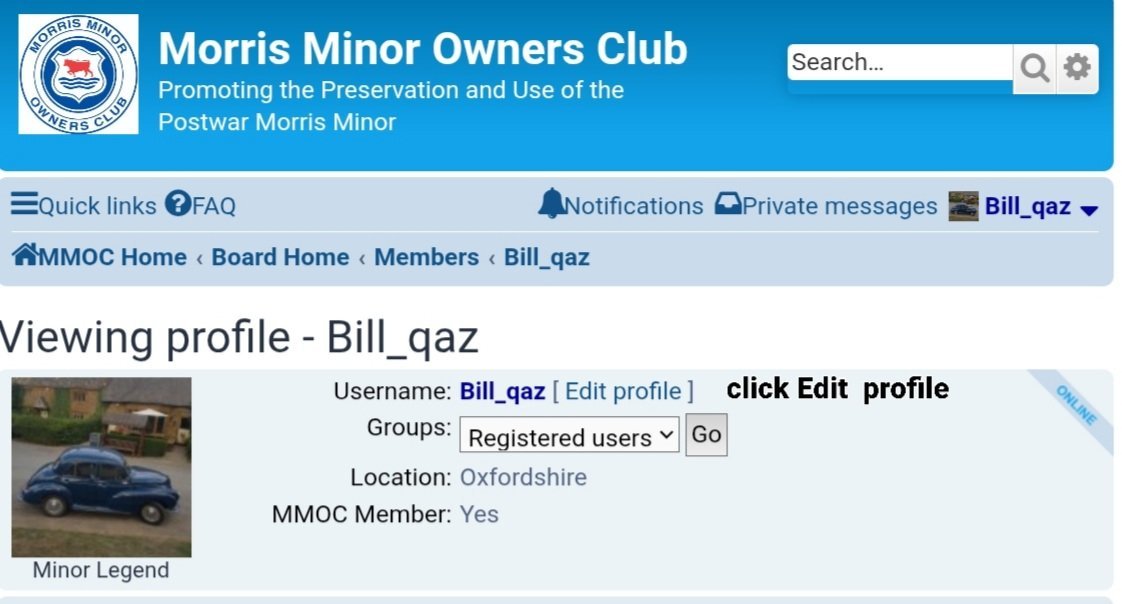
- Screenshot_20260208-151740_Samsung Internet.jpg (82.33 KiB) Viewed 71540 times
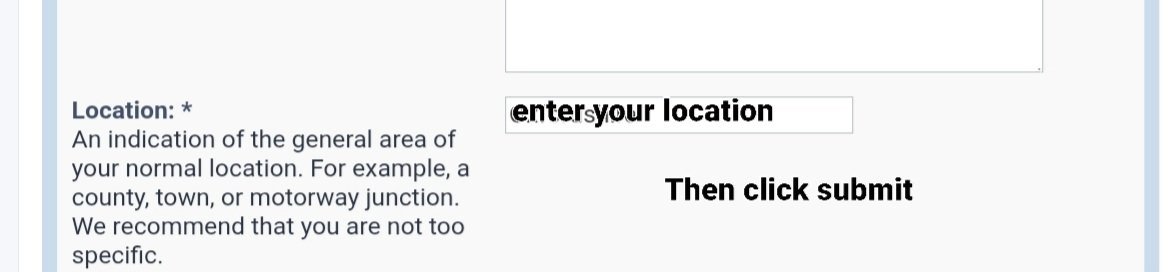
- Screenshot_20260208-151759_Samsung Internet.jpg (30.78 KiB) Viewed 71540 times
Re: How to put your location
Posted: Sun Feb 08, 2026 6:56 pm
by geoberni
Bill_qaz wrote: ↑Sun Feb 08, 2026 4:06 pm
SORRY STEP 3 IS FIRST PICTURE, FORUM ORDERS PICS BY SIZE

Bill,
If you use the [Place in Line] button, you can place them wherever you want.....
It also gets rid of that White Edge with ATTACHMENTS on it.
See this example I posted earlier....
https://board.mmoc.org.uk/viewtopic.php ... 22#p716422
Re: How to put your location
Posted: Sun Feb 08, 2026 7:56 pm
by Bill_qaz
geoberni wrote: ↑Sun Feb 08, 2026 6:56 pm
Bill_qaz wrote: ↑Sun Feb 08, 2026 4:06 pm
SORRY STEP 3 IS FIRST PICTURE, FORUM ORDERS PICS BY SIZE
Bill,
If you use the [Place in Line] button, you can place them wherever you want.....
It also gets rid of that White Edge with ATTACHMENTS on it.
See this example I posted earlier....
https://board.mmoc.org.uk/viewtopic.php ... 22#p716422
I did use place in line but it puts smallest file first, regardless of order of selection.Maybe due to using android
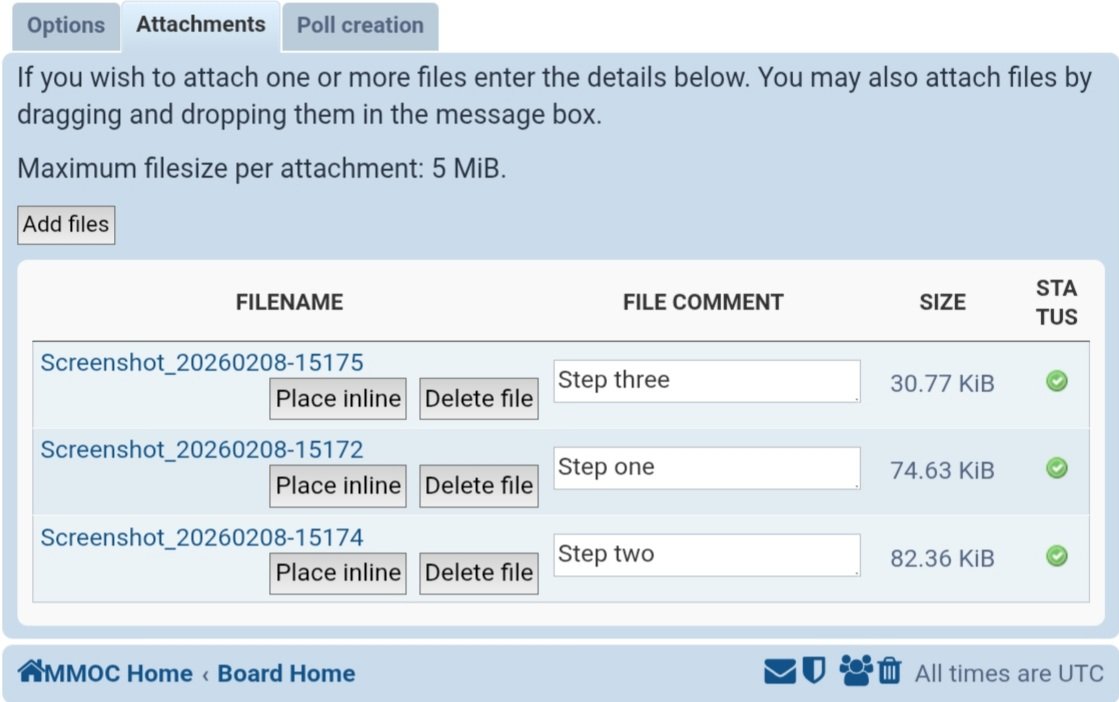
- Screenshot_20260208-195708_Samsung Internet.jpg (80.51 KiB) Viewed 71878 times
Re: How to put your location
Posted: Mon Feb 09, 2026 10:14 am
by geoberni
Umm..

.I don't usually do this on my phone but here goes...
Also Android, Samsung about 6 Yr old.
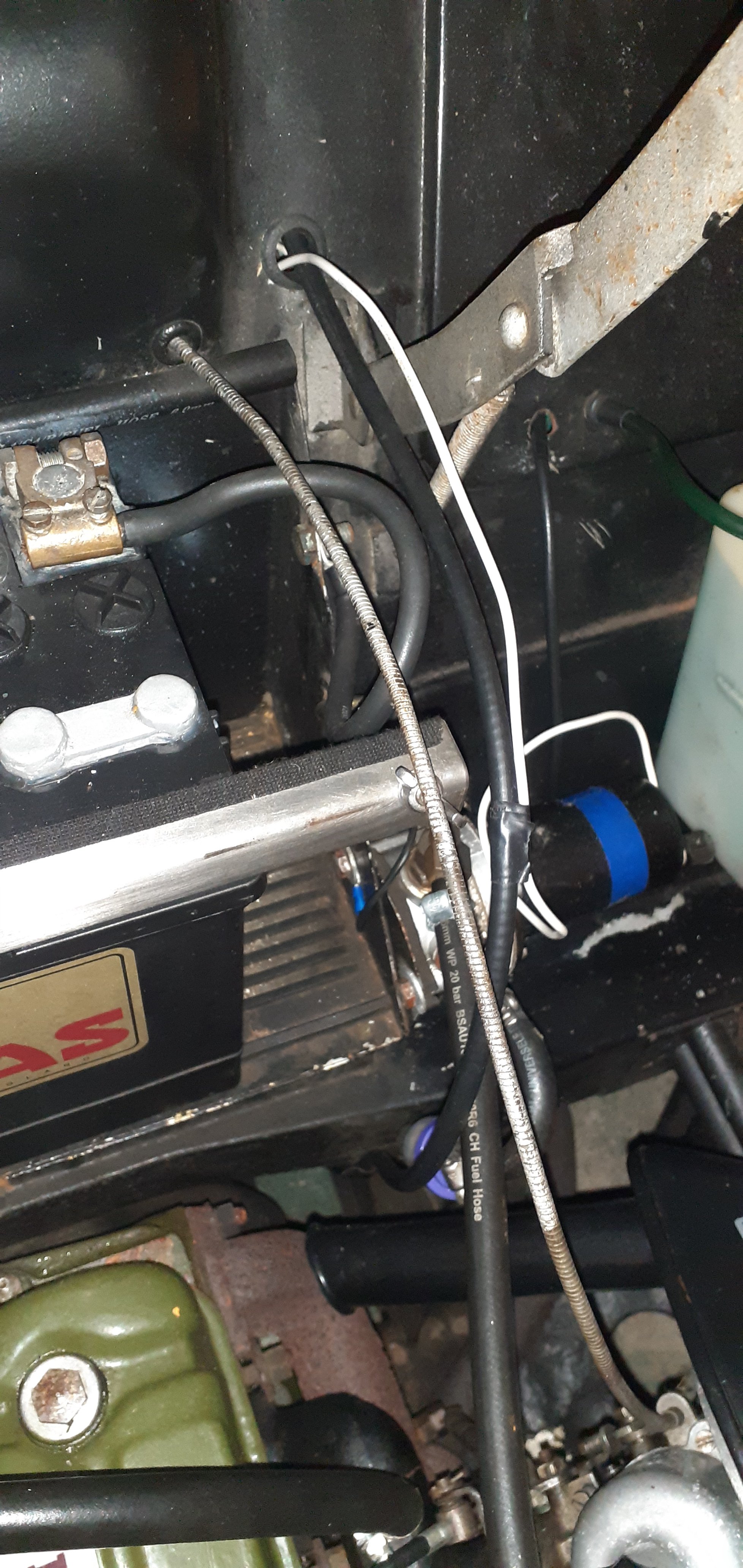
- 20260207_140428.jpg (1.23 MiB) Viewed 71591 times
Place cursor where you want each one. Some random bits of car direct from my phone gallery.
I usually work from my PC which enables easy editing, cropping and orientation of photos, but these will serve a purpose.
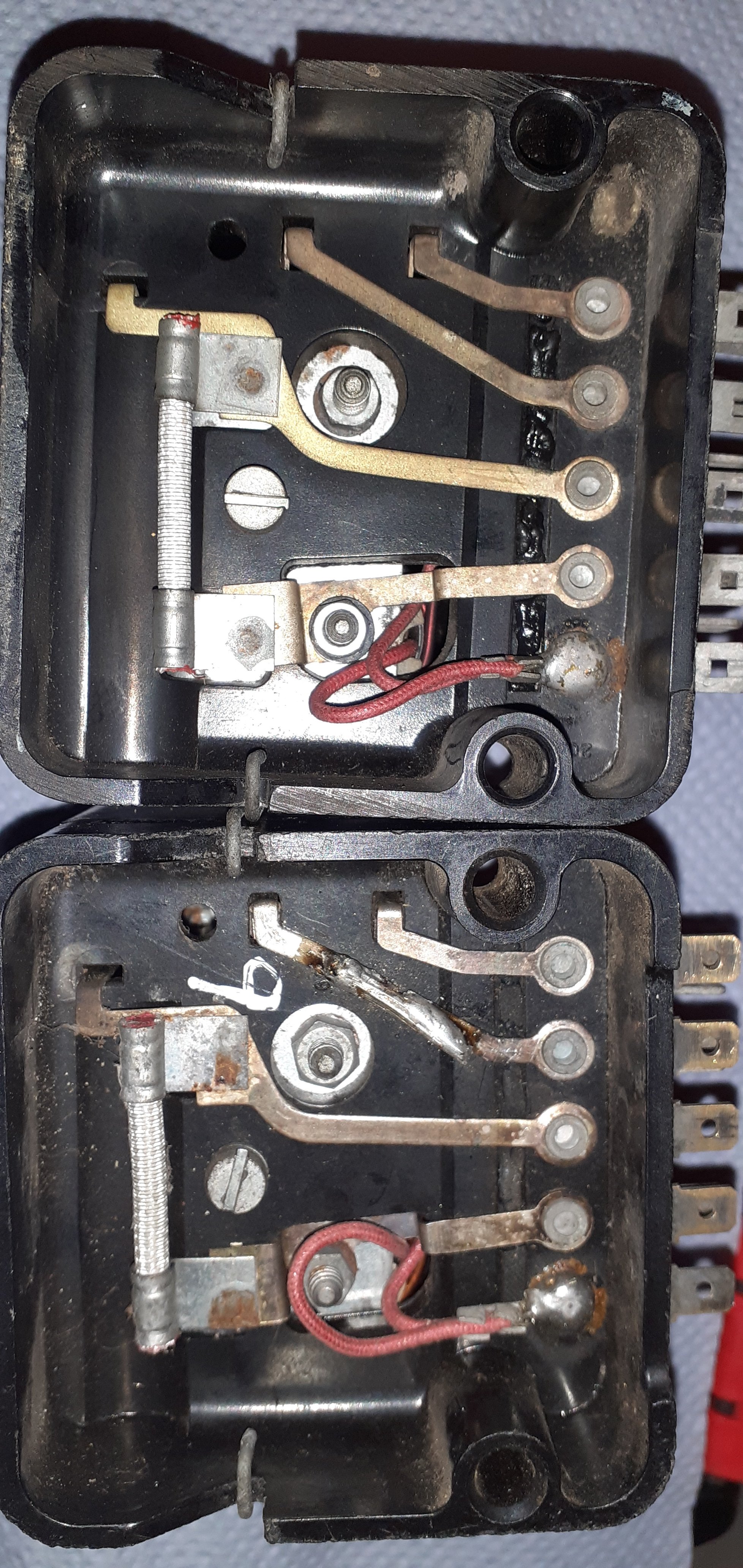
- 20260119_111300.jpg (1.56 MiB) Viewed 71591 times

- 20260119_142156.jpg (1023.23 KiB) Viewed 71591 times
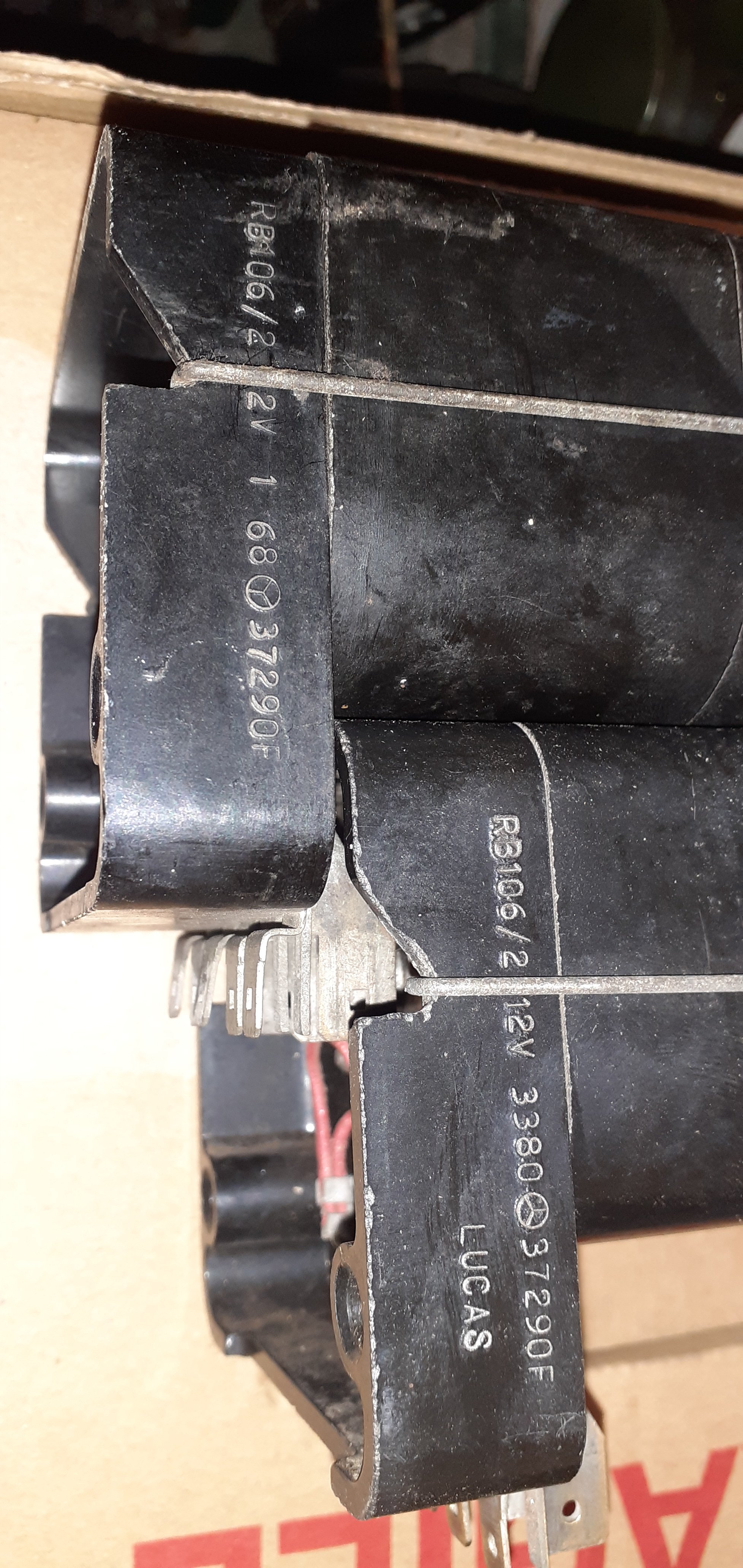
- 20260119_111031.jpg (1.31 MiB) Viewed 71591 times
So here's the order they were 'added' but I placed them as I wanted.
I did not use [ place inline] for the screenshot hence the 'attachment' box surrounding it.
Re: How to put your location
Posted: Mon Feb 09, 2026 12:00 pm
by Bill_qaz
Sorted Berni, this time uploaded images 1at a time and placed inline before uploading next one.
The first time I uploaded all 3 and it would not let me place inline in the order I was selecting. I've posted multiple pictures before and never had this issue
Or it is maybe because the first were screenshot and the edited is downloaded images?
The white edges are just from cropping the image.
Post now edited
Re: How to put your location
Posted: Mon Feb 09, 2026 12:44 pm
by geoberni
Bill_qaz wrote: ↑Mon Feb 09, 2026 12:00 pm
Sorted Berni, this time uploaded images 1at a time and placed inline before uploading next one.
The first time I uploaded all 3 and it would not let me place inline in the order I was selecting. I've posted multiple pictures before and never had this issue
Or it is maybe because the first were screenshot and the edited is downloaded images?
The white edges are just from cropping the image.
Post now edited
Sometimes these thing happen just because they can
Glad you sorted it.